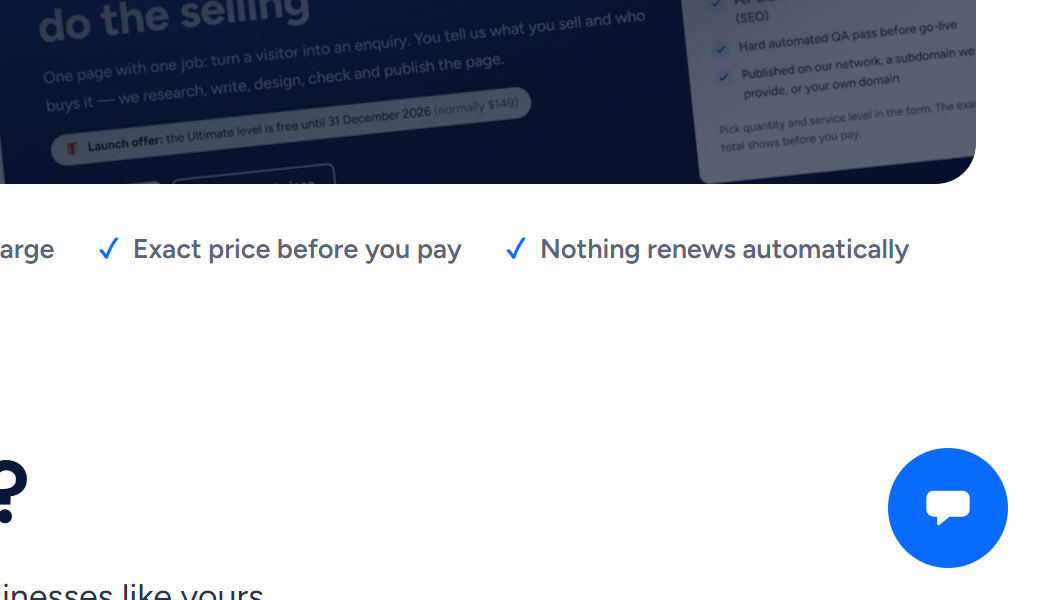
Click the round blue chat button in the bottom-right corner of any page on wannaseo.com, type your question and send it. A person from the WannaSEO team replies within about one business day.
Open the chat
The chat button is on every page of wannaseo.com, including the offer pages, the sign-in page and your account. This help centre has one too: Contact support, at the top of every page and at the bottom of the home page, or Chat with our team under an article, opens it.
- On a phone the chat fills the screen. Close it with the × at the top.
- On a phone, the button appears once you have answered the cookie question (Accept or Reject) at the top of the page.
- While a form is on a phone or tablet screen, the button steps aside so it does not cover the form's fields or buttons. Scroll above or below the form to bring it back.
- The pages, articles and delivery reports we deliver have no chat button. To ask about one, come back to wannaseo.com.
Send us a message
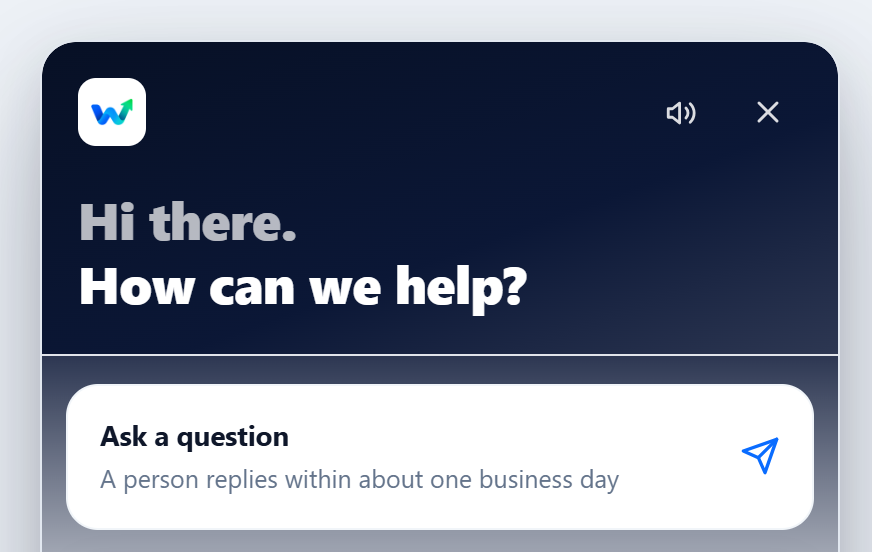
- Open the chat. It opens on the Home tab: "Hi there. How can we help?"
- Click Ask a question.
- Type in the Write a message box. Press Enter or the arrow button to send. Shift+Enter starts a new line.
- To add a logo or a screenshot, click the paperclip or drag the file into the chat. PNG, JPG, GIF, WebP, PDF and TXT files up to 10 MB work.
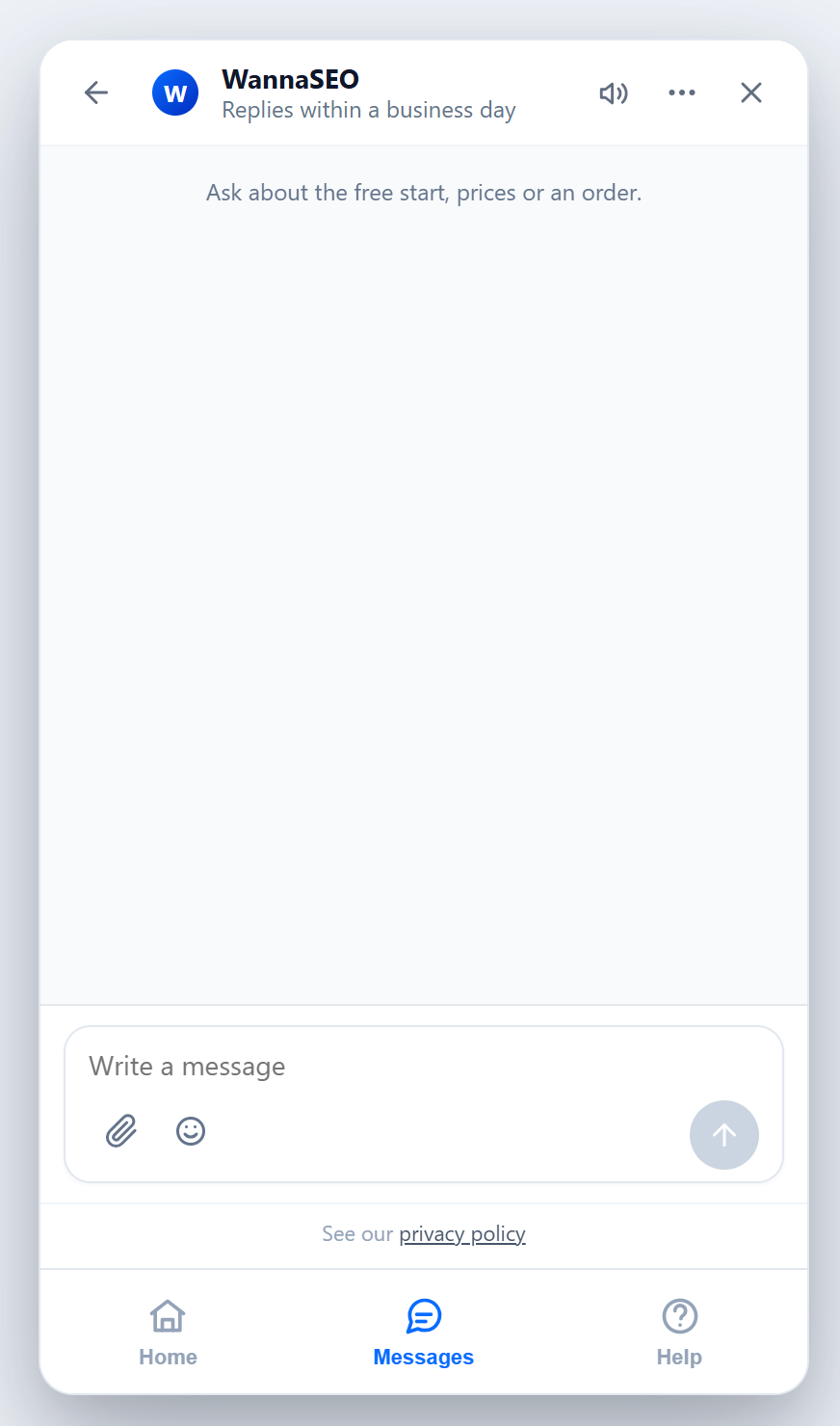
An automatic message confirms straight away that it arrived. While someone from the team is online, the top of the conversation says Online now. About an order? Add the order reference from our emails. If you are signed in, your message reaches us with your account's name and email address.
Help articles inside the chat
The Help tab lists articles from this help centre, with a search box. Click a title to read it inside the chat. Ask us, next to the search box, opens the message box, and Browse the full help center, at the bottom of the list, opens this site in a new tab.
When you get a reply
Our replies arrive in the chat. You do not need to keep the page open: come back to the chat to read them.
- While a page of the site is open: if a page of the site where you wrote to us is open when a reply arrives, a "WannaSEO replied" note appears above the chat button. Close the note and a red number stays on the button until you read the reply. The speaker icon at the top of the chat turns the sound on or off.
- Later: your conversation stays under Messages, and as Recent conversation on the Home tab, in the same browser on the same device. wannaseo.com and this help centre keep separate lists, so look on the site where you wrote to us. If you clear your browser's data or switch device, the chat may start empty, but we still have your message.
Get a copy of the conversation
- Open the conversation.
- Click ••• (More actions) at the top of the chat.
- Click Email transcript.
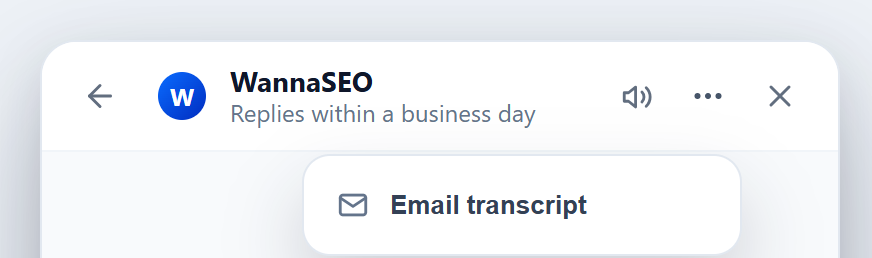
The option stays grey until you have sent a message. The copy goes to the email address the chat has for you, which is your account's address when you are signed in. If the chat has no address for you, it shows a note instead of sending: sign in to your account, then open the chat again in the same browser.
What not to send
- Card numbers or bank details. You pay on our payment provider's secure checkout; we never see your card number.
- Passwords or sign-in codes for your WannaSEO account, website, hosting or domain. To publish on your own address, you add one DNS record that we give you.
- ID documents, or private details about other people.
We never ask for a password or a card number, in the chat or by email. If a message asks for one, do not send it; tell us at hello@wannaseo.com. The privacy policy link under the message box explains what we keep and why.
Related articles
- How to contact us
- Privacy and your data
- How do I change my cookie choices?
- How do I create an account and sign in?
- Which emails will I get from WannaSEO, and what if one does not arrive?
Prefer email? Write to hello@wannaseo.com. A person replies within about one business day.