Open the page of the service you want and fill in the order form: three short steps, then Review & pay. You see the exact total before you pay, and nothing is charged until you pay on the secure checkout.
Where to start
Each service has its own form, further down its page. The pages are under Services in the menu: Sales pages, SEO articles, Bundles and Your own blog (the dedicated blog). On wannaseo.com/pricing, each card's Order button opens the right form with that choice already made.
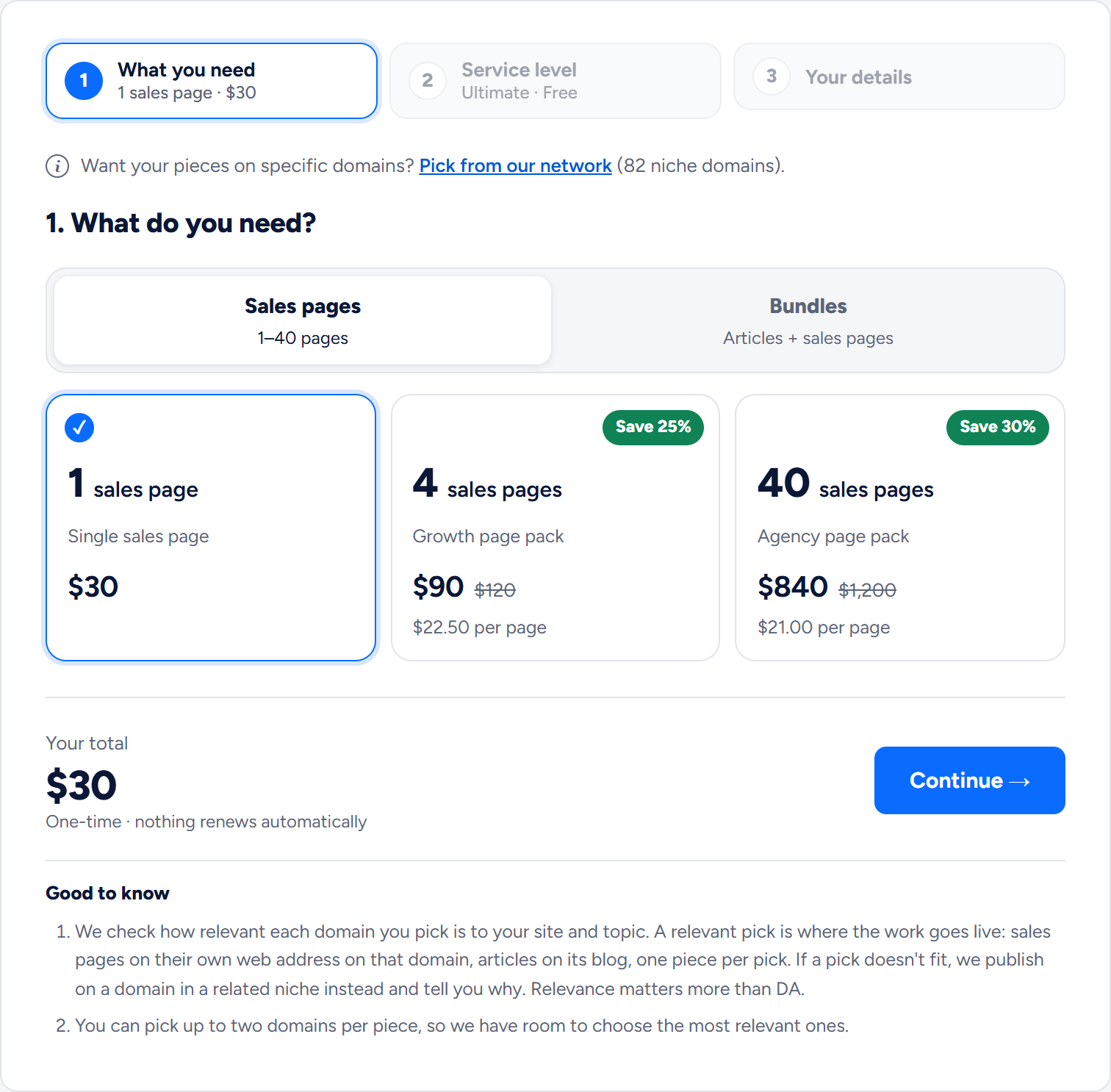
Step 1: What you need
Choose a single piece, a pack or a bundle. The dedicated blog has one choice, the blog itself, so its step 1 only shows it. The bar at the top shows your step and sums up each finished one. Press Continue.
Step 2: Your service level
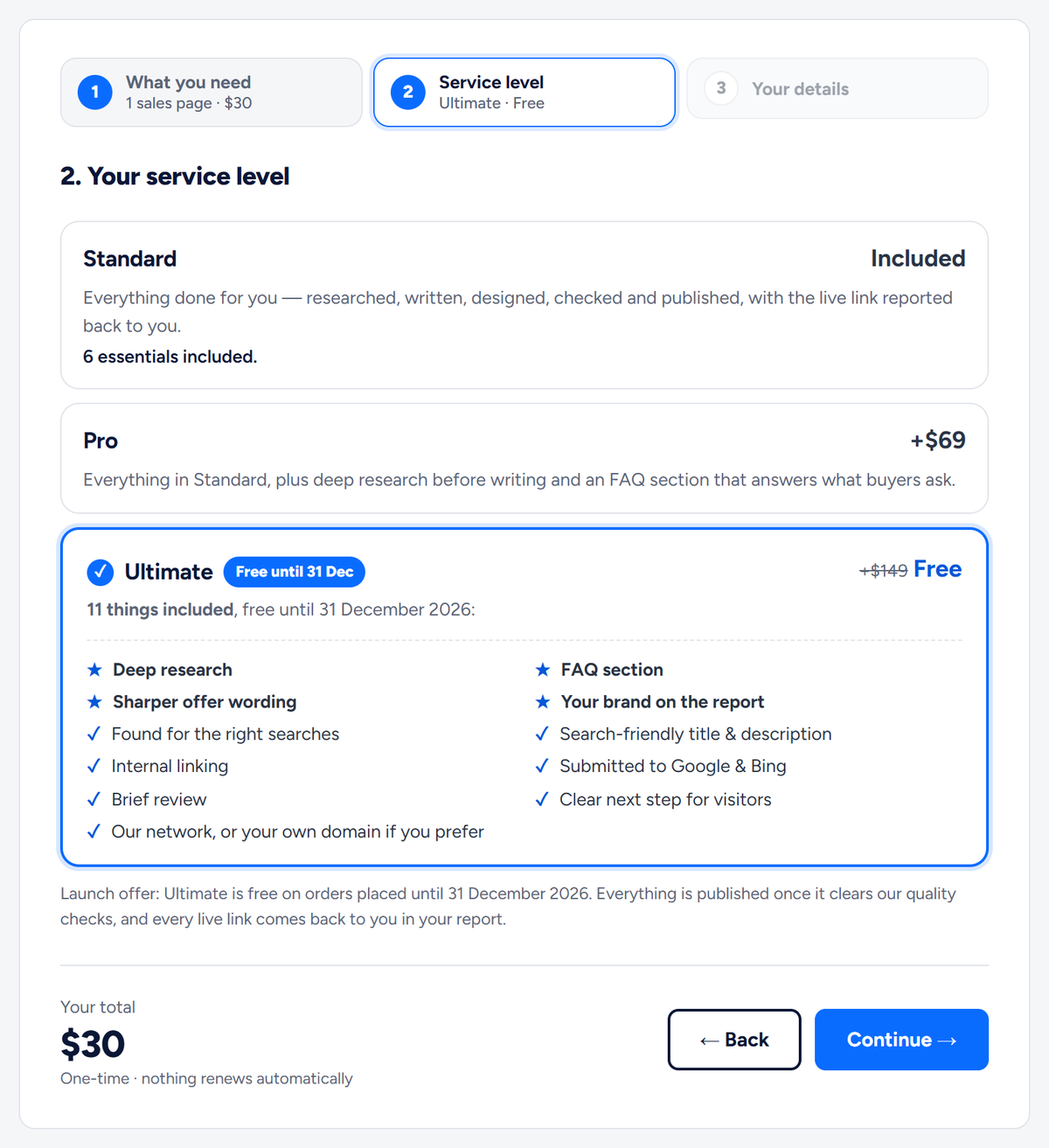
- Standard: included.
- Pro: +$69, for deep research before writing and an FAQ section.
- Ultimate: everything in Pro, plus your brand on the delivery report and more, depending on the service. Free on orders placed until 31 December 2026, and already selected. Normally +$149 for sales pages and bundles, +$129 for articles and +$109 for a dedicated blog.
One level covers the whole order and is charged once.
Step 3: Your details
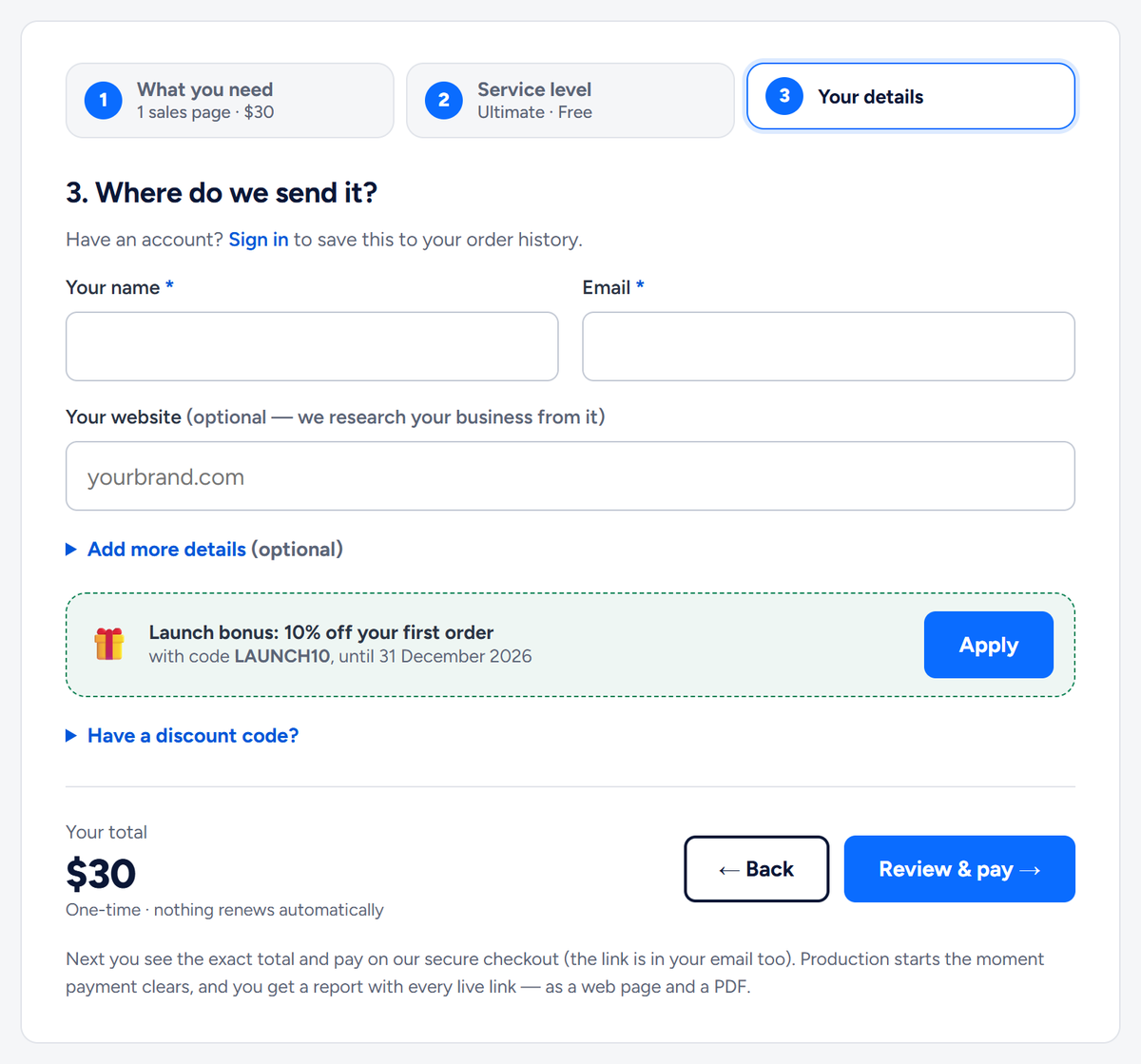
Step 3 is headed "Where do we send it?". Only Your name and Email are required. Your website is optional, and we research your business from it. Have an account? Sign in first to save the order to your order history.
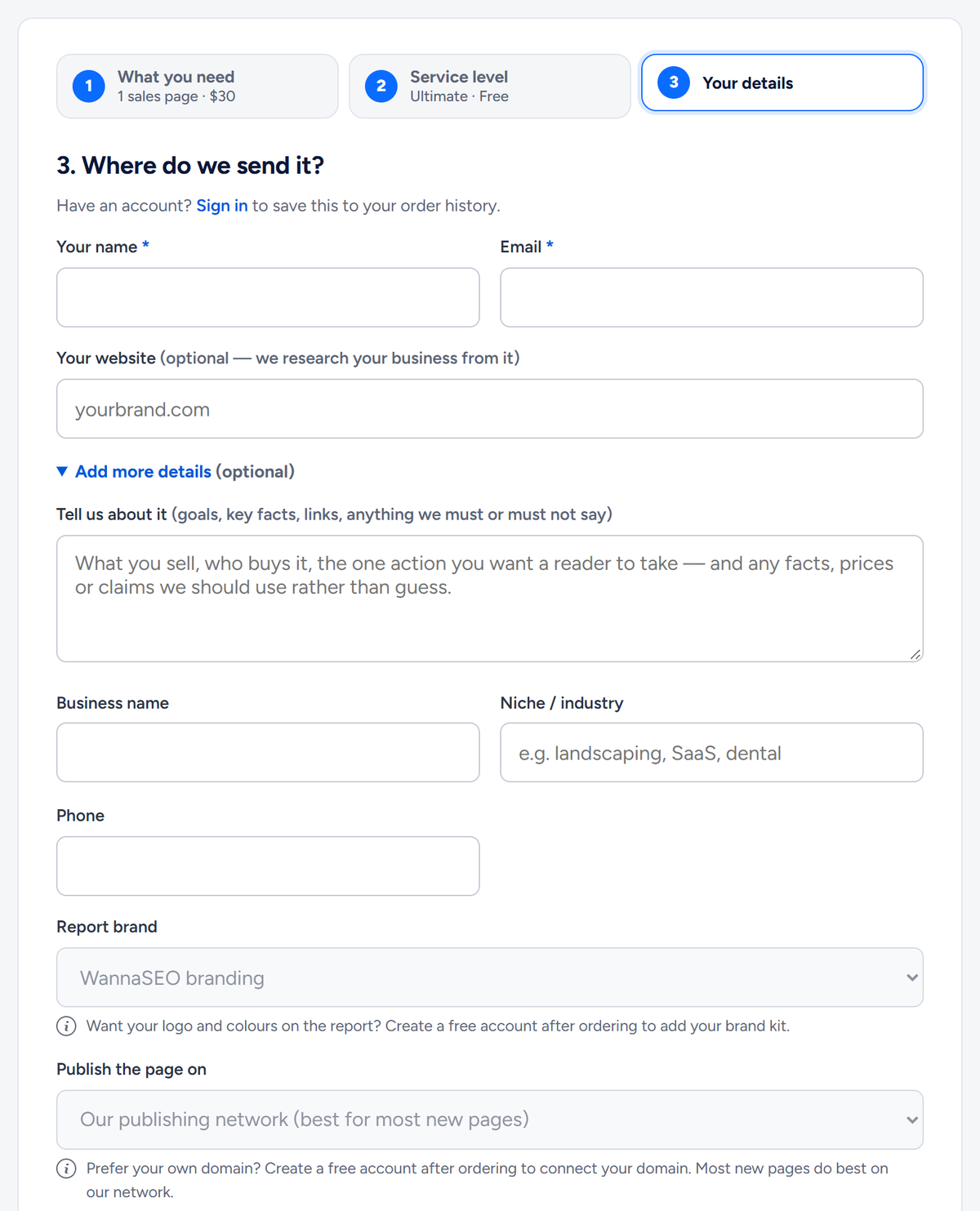
Press Add more details (optional) to open:
- Tell us about it: your brief (see below).
- Business name, Niche / industry and Phone.
- Report brand: WannaSEO branding, or your own brand kit if you have added one in your account.
- Publish the page on (sales pages): our publishing network, which is best for most new pages, or a domain you have connected in your account.
- For articles, a note that they go on our network, matched to your topic, with a link to start a dedicated blog of your own.
For a dedicated blog, the box is Tell us about the blog (its name, the address you would like, your topics), and Blog address offers a subdomain we provide or your own connected domain.
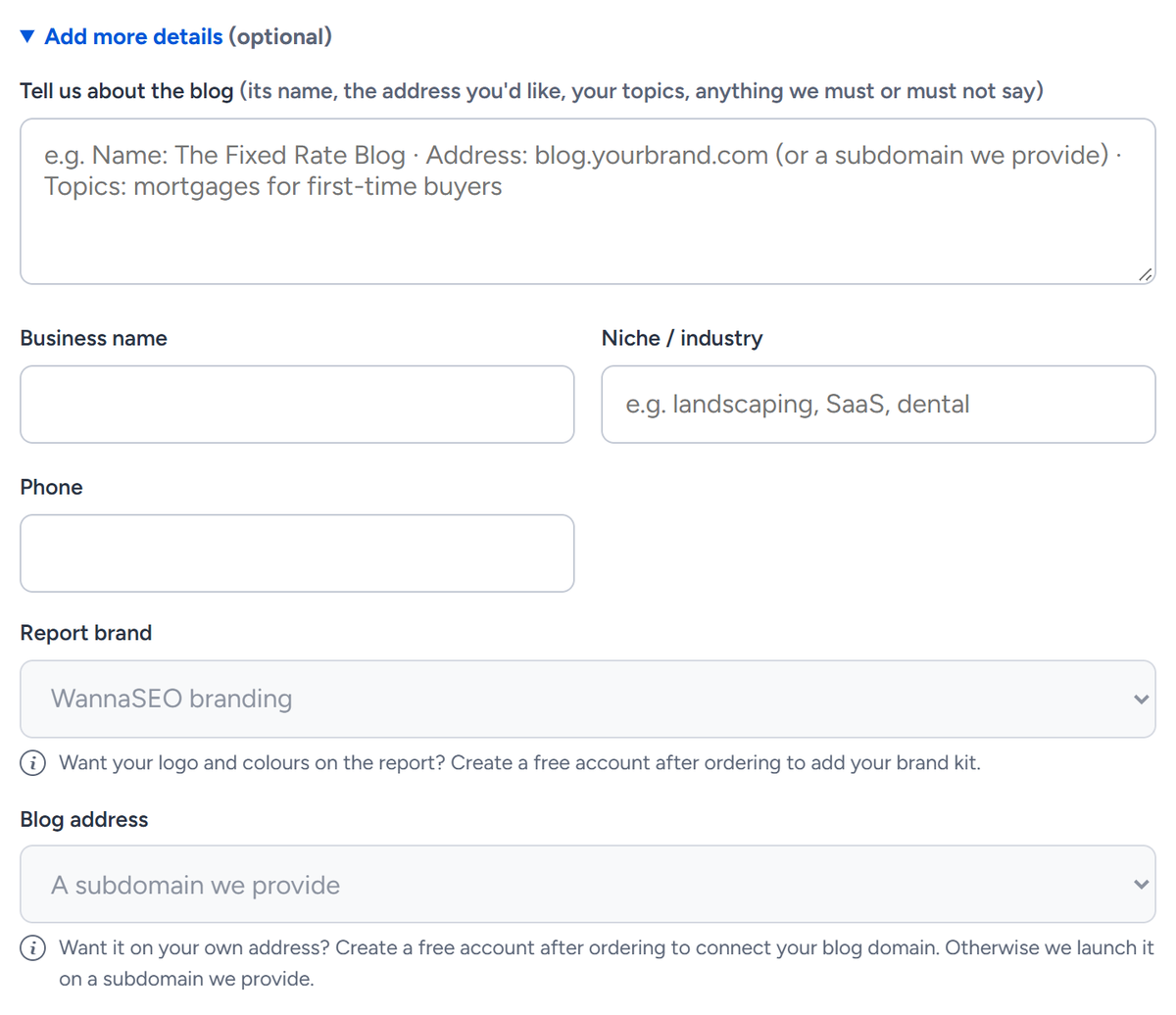
Until you set them up, Report brand, Publish the page on and Blog address show greyed out, with a note on how to switch them on. Add a brand kit or connect a domain in your account, sign in before you order, and the choice appears in step 3 above Add more details. Without an account, you can create a free one after ordering and set these up there.
The launch bonus code
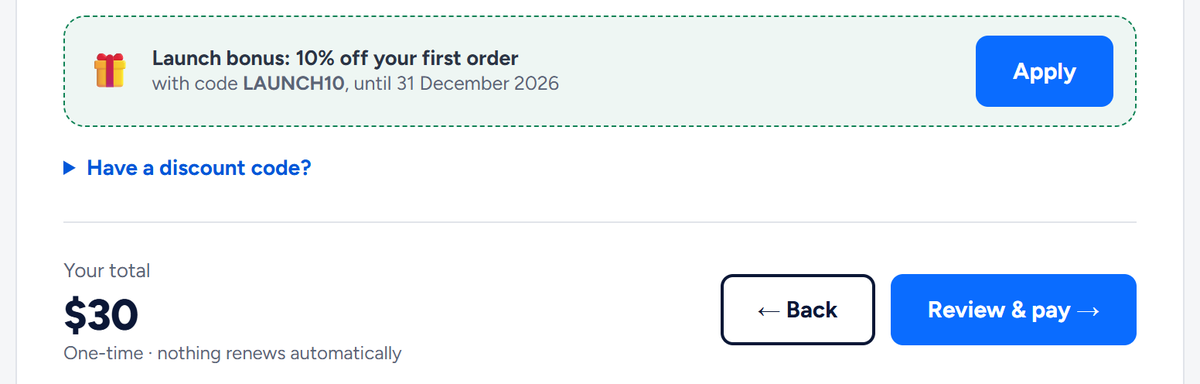
Until 31 December 2026, step 3 offers 10% off your first order with the code LAUNCH10. Press Apply and the total drops. A first order means no earlier paid order with us and no earlier order that used a code; a free start does not count. The form takes one code per order. For another code, use Have a discount code?.
Review & pay: your exact total
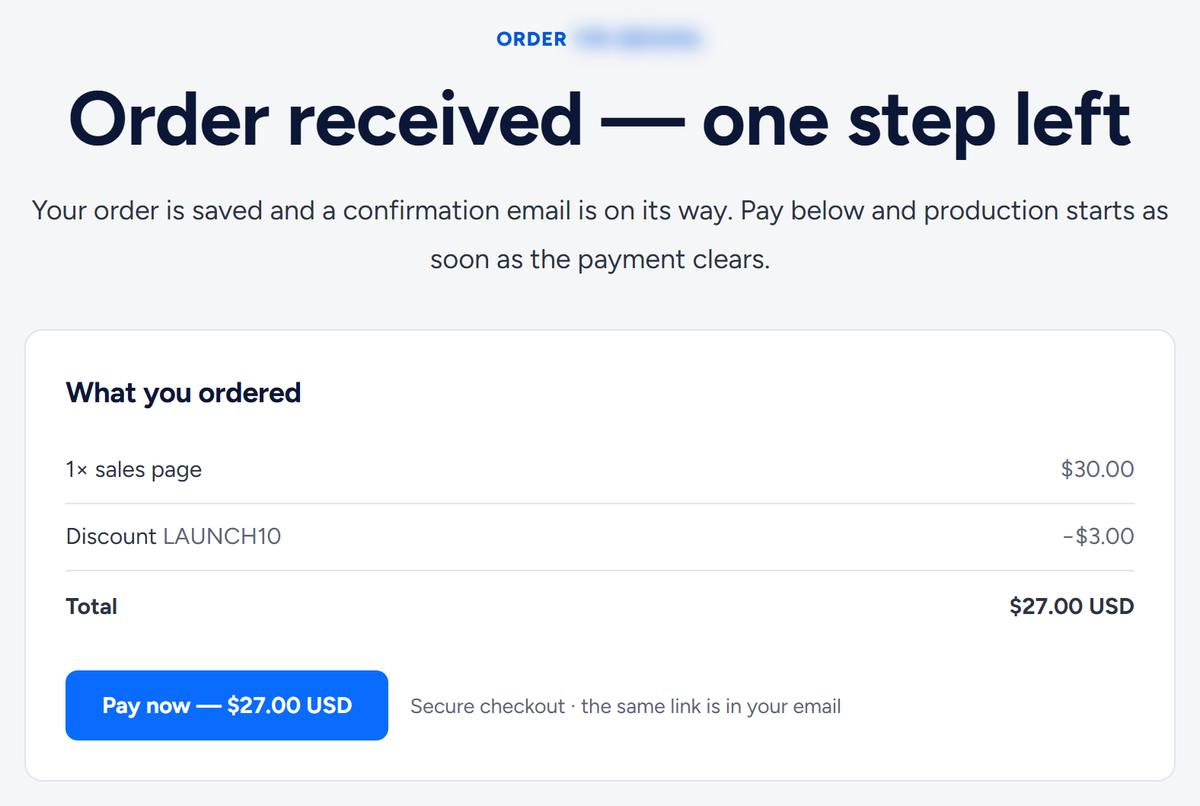
Press Review & pay. Your order is saved, a confirmation email is sent, and the confirmation page lists what you ordered, any discount and the total, with Pay now. The same payment link is in your email. Production starts when your payment clears.
What to write in "Tell us about it"
Five things are enough: your business, the offer, the one action you want visitors to take and the number or link it uses, where the facts come from, and anything we must not say. For articles, add topics or keywords, or just your niche. If you leave the box empty, we work from your website.
An illustrative brief: "An electrician covering three towns. One page for emergency call-outs. The action: a phone call to the number on our website, which is also on WhatsApp. Our call-out prices and licence number are on our site. Please do not promise arrival times."
Ordering without an account
No account is needed. The confirmation page offers Create my account with the email you used; once you confirm that email, the order appears in your account. If that email already has an account, the page offers Sign in instead. If you typed the wrong email, use Wrong address? Fix it here on the confirmation page before you pay.
Related articles
- Service levels: Standard, Pro and Ultimate
- How do I use the LAUNCH10 code or another discount code?
- How do I pay, and what if a payment does not go through?
- What is a bundle, and which size should I choose?
- Call, WhatsApp or a form: how visitors reach you
- What happens after I pay, and how long does it take?
Still have a question? Write to hello@wannaseo.com or use the chat on any page of wannaseo.com. We reply within about one business day.