You get an email at each step: when you claim a free start, when you order, when your payment arrives, when your work is live, and when you set up or recover your account. If one does not arrive, check your spam folder, then use the resend option for that email below.
Who our emails come from, and replying
Our automatic emails come from WannaSEO <hello@wannaseo.com>, and replies go to the same address, where a person answers within about one business day. Order emails carry the order reference (it starts with YMI-) in the subject; keep it when you reply.
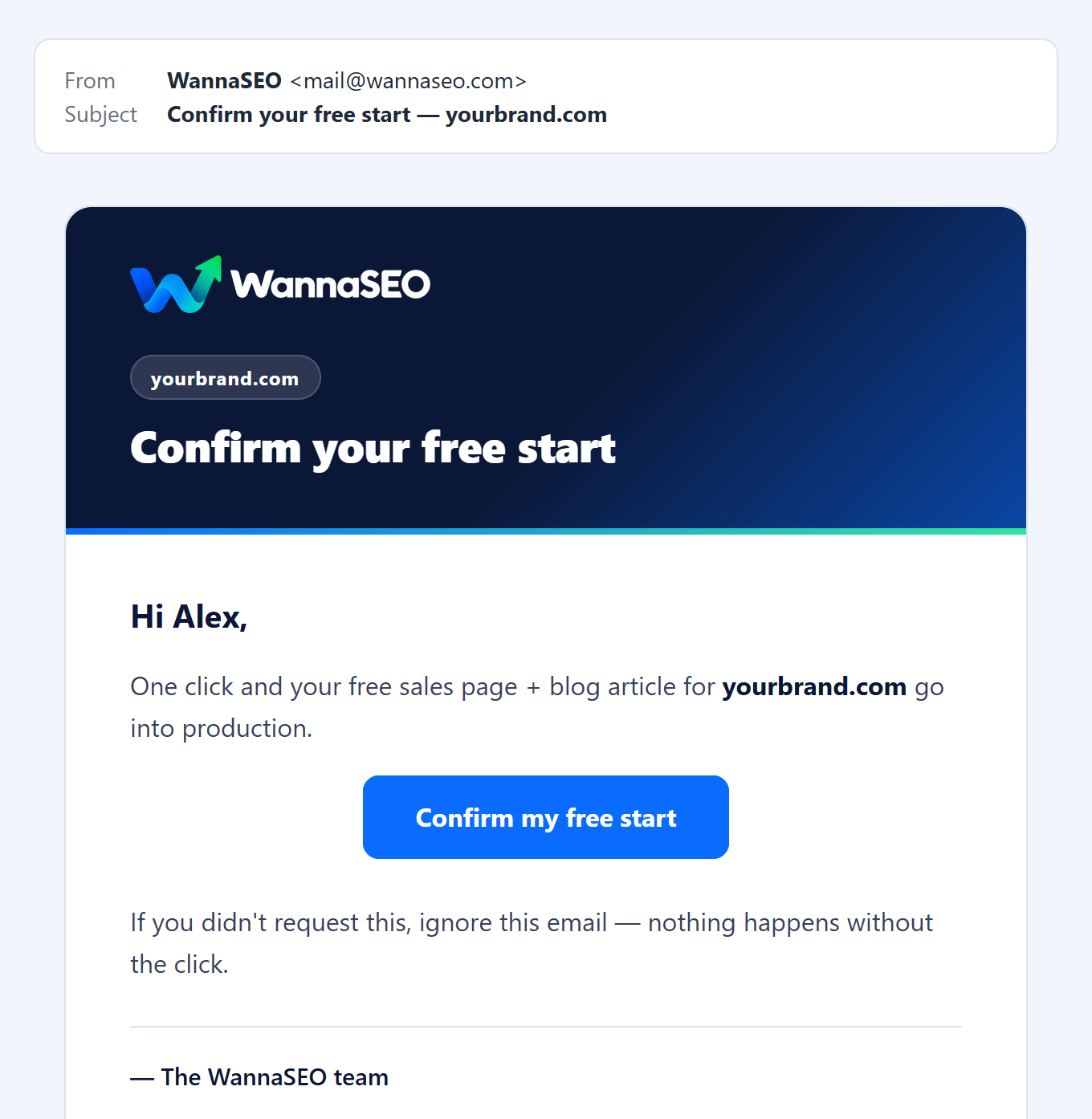
Free start: "Confirm your free start"
Sent the moment you send a free-start form. Press Confirm my free start and your claim goes into production; we start within about one business day. Nothing happens without the click, and an unconfirmed claim holds the website for 48 hours. If it does not arrive, press Send the link again on the "check your inbox" message, in the same browser.
After you confirm, "We received your order" tells you there is nothing to pay, and "Your order is delivered" follows when both pieces are live.
Orders
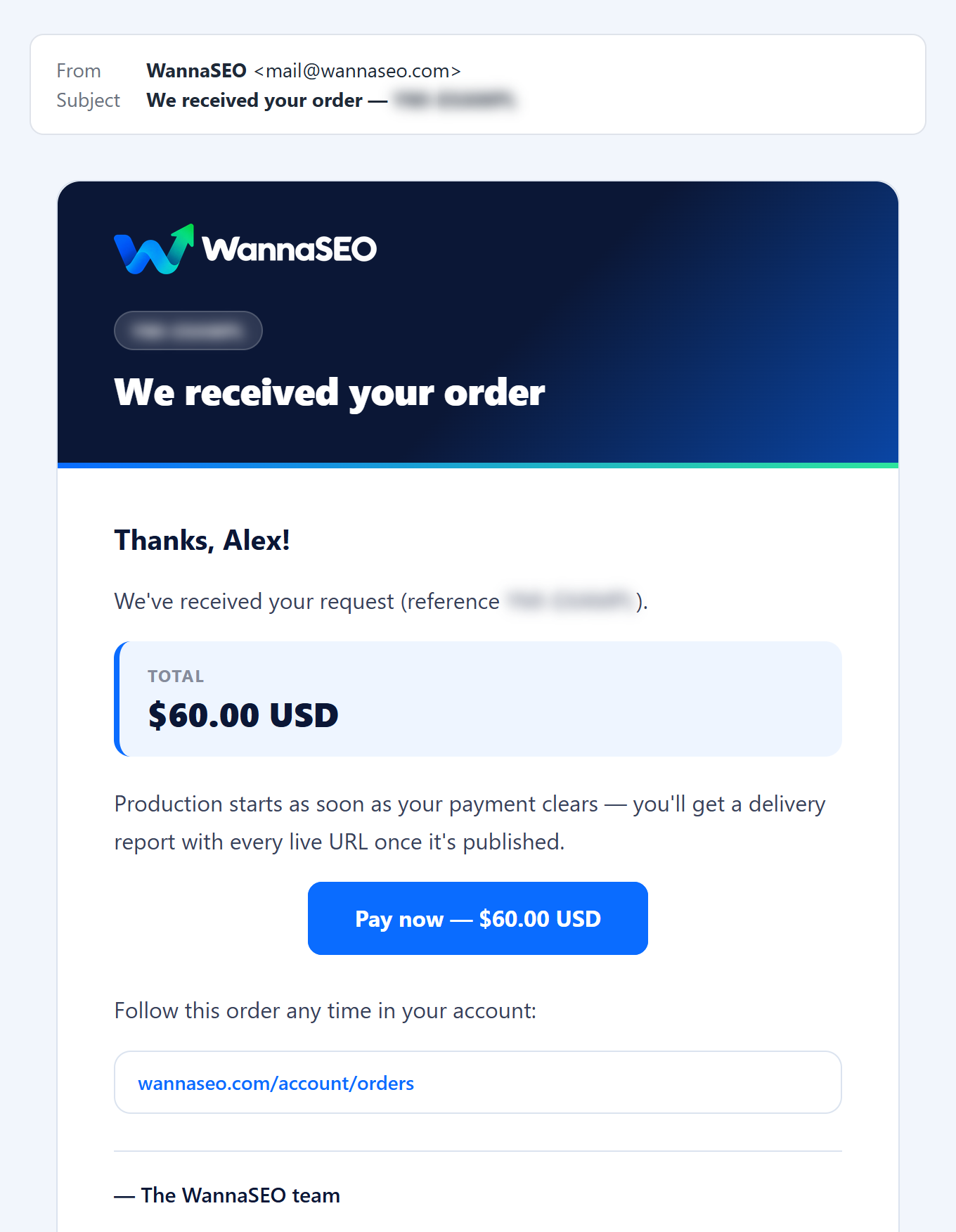
"We received your order" arrives straight after you send the order form, with the exact total and a Pay now button that opens our checkout.
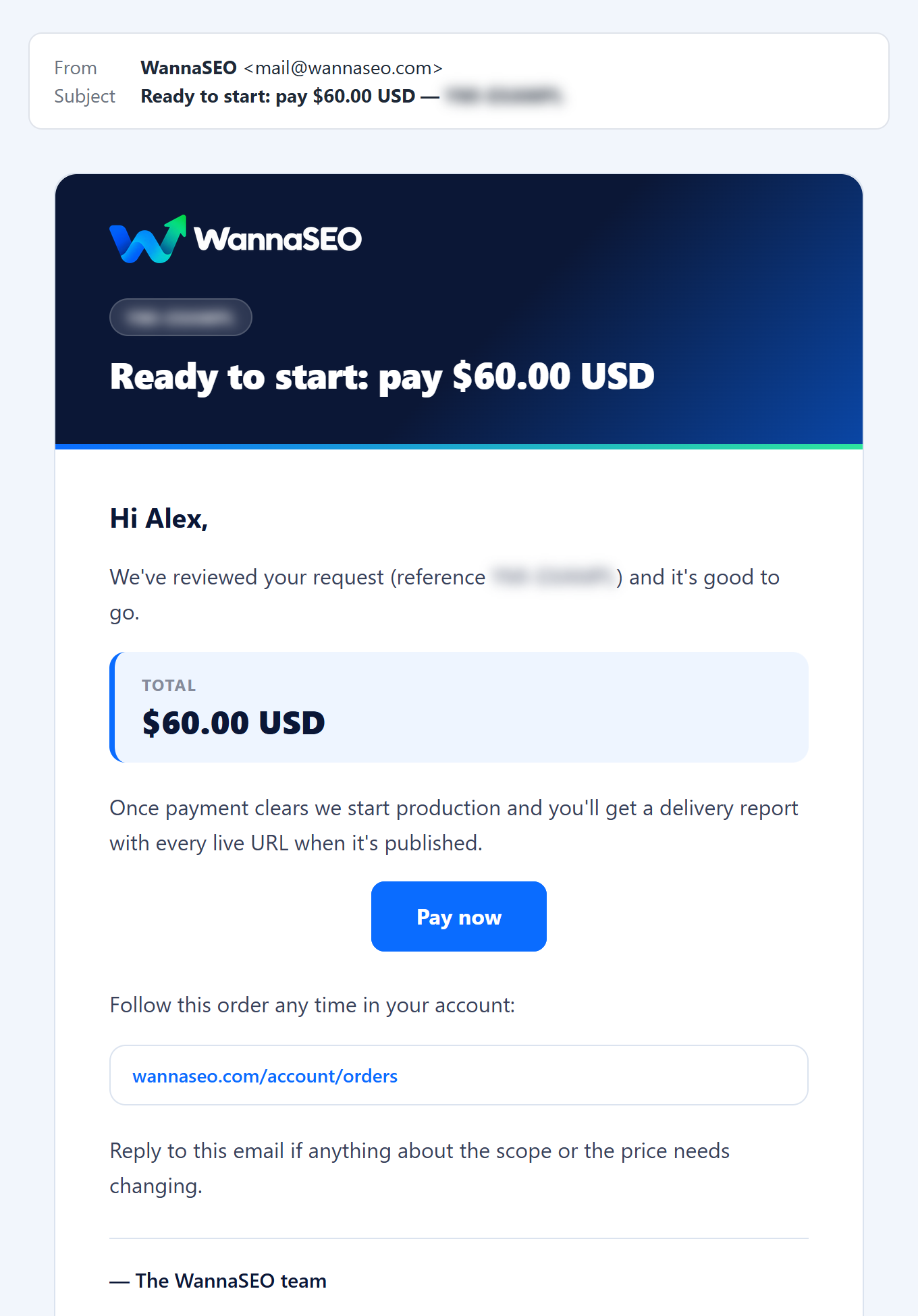
"Ready to start: pay" comes when we have reviewed a request and confirmed its scope and price. Reply if either should change.
"Your order YMI-… is ready to start" is one reminder, a day after an order is placed (or after you last made a new payment link) when it is still unpaid. Its button opens the order's page, with Pay now and Get a new payment link. There is no second reminder.
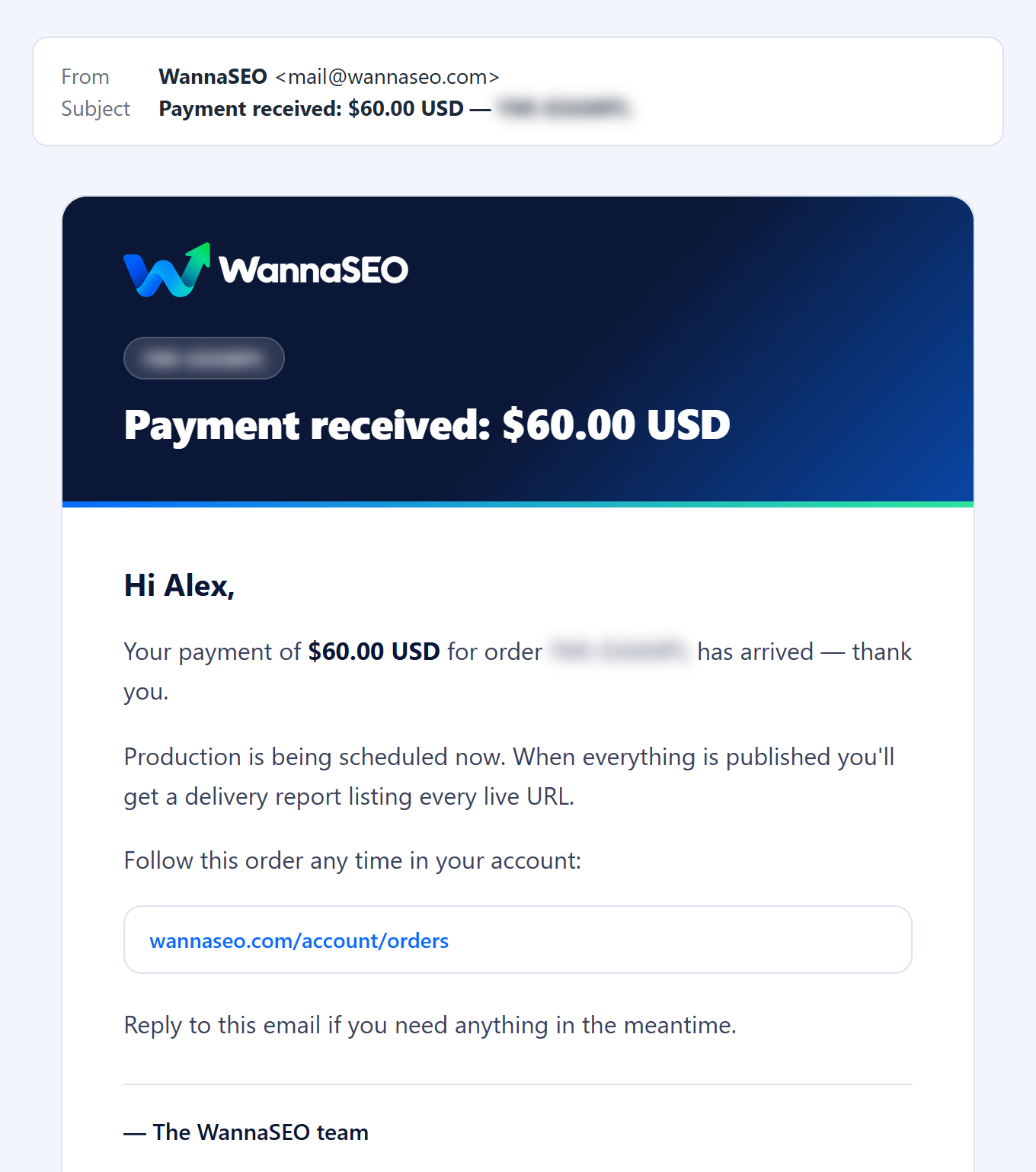
"Payment received" usually arrives within a minute or two of paying. Production is then scheduled. If it says "This was a second payment for order YMI-…", both payment links of one order were paid, and we placed the second as its own order.
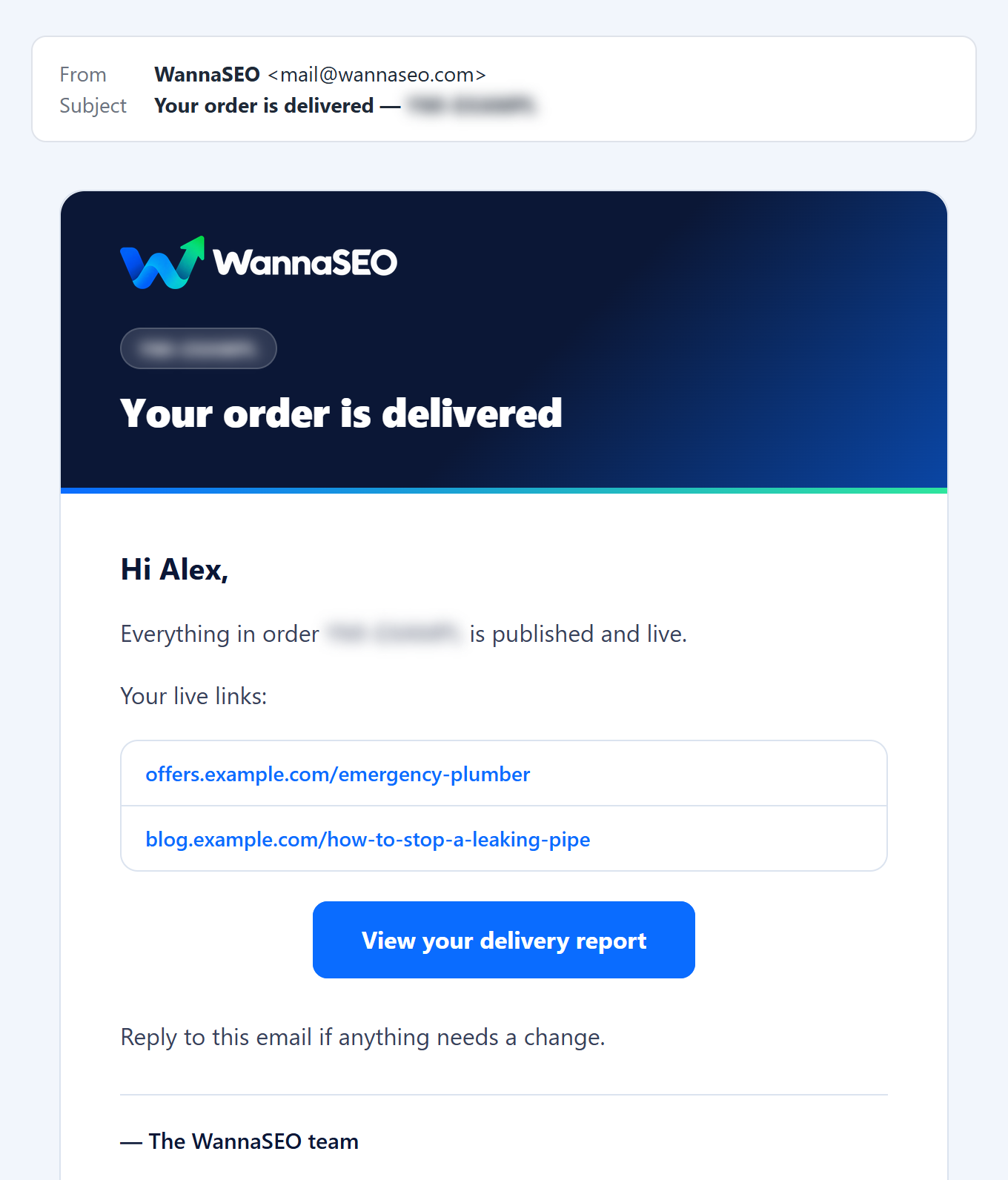
"Your order is delivered" lists your live links and has a View your delivery report button. Reply if anything needs a change. After a free start, it also names a next order that fits your business, with its price.
Account: "Confirm your WannaSEO email" and "Reset your WannaSEO password"
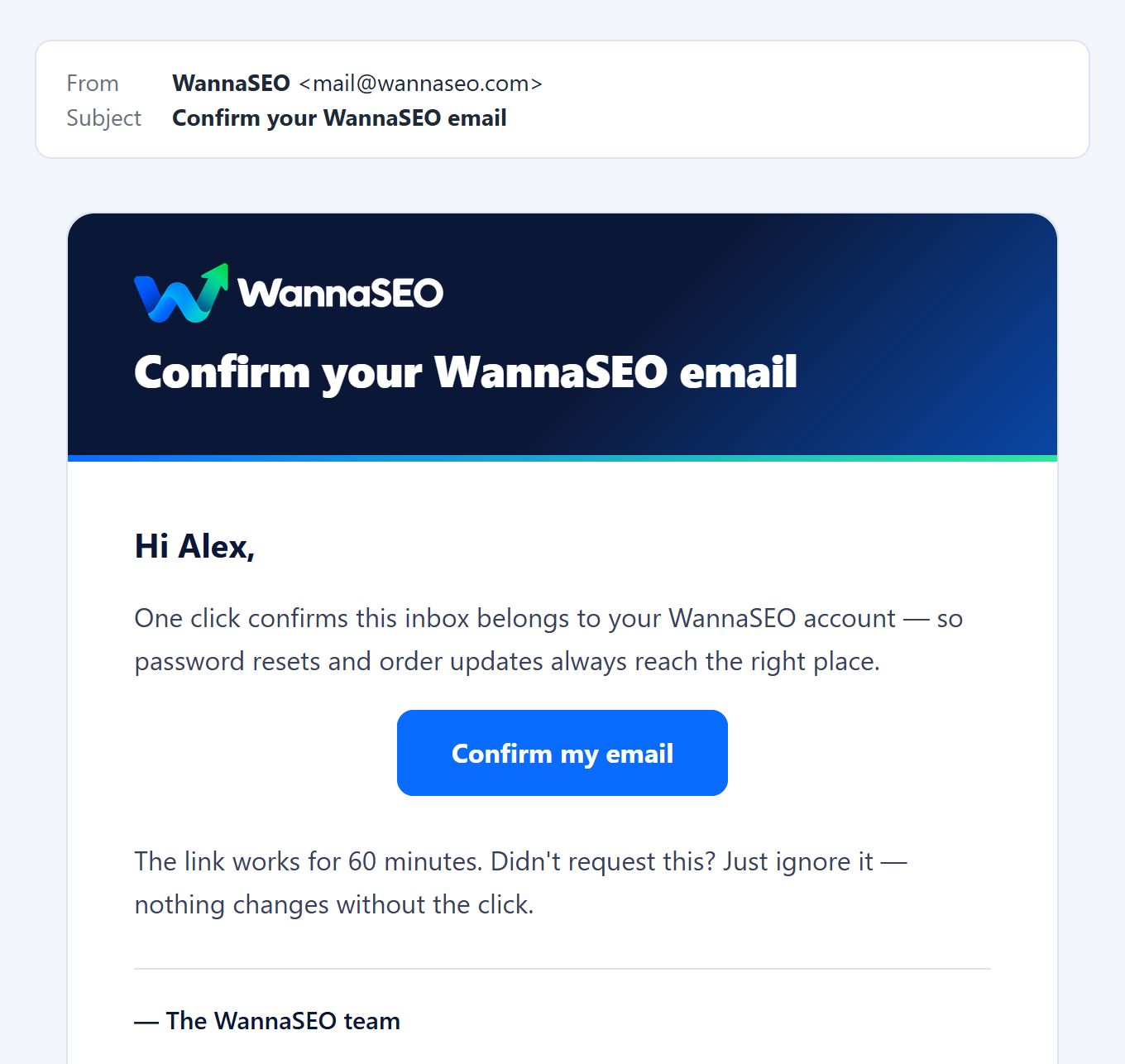
"Confirm your WannaSEO email" comes after you create an account or change your email address. Confirming is not required, but it means password resets always reach you, and orders you placed as a guest with that address join your account. The link works for 3 days, and it opens a "Your email is confirmed" page with your next step.
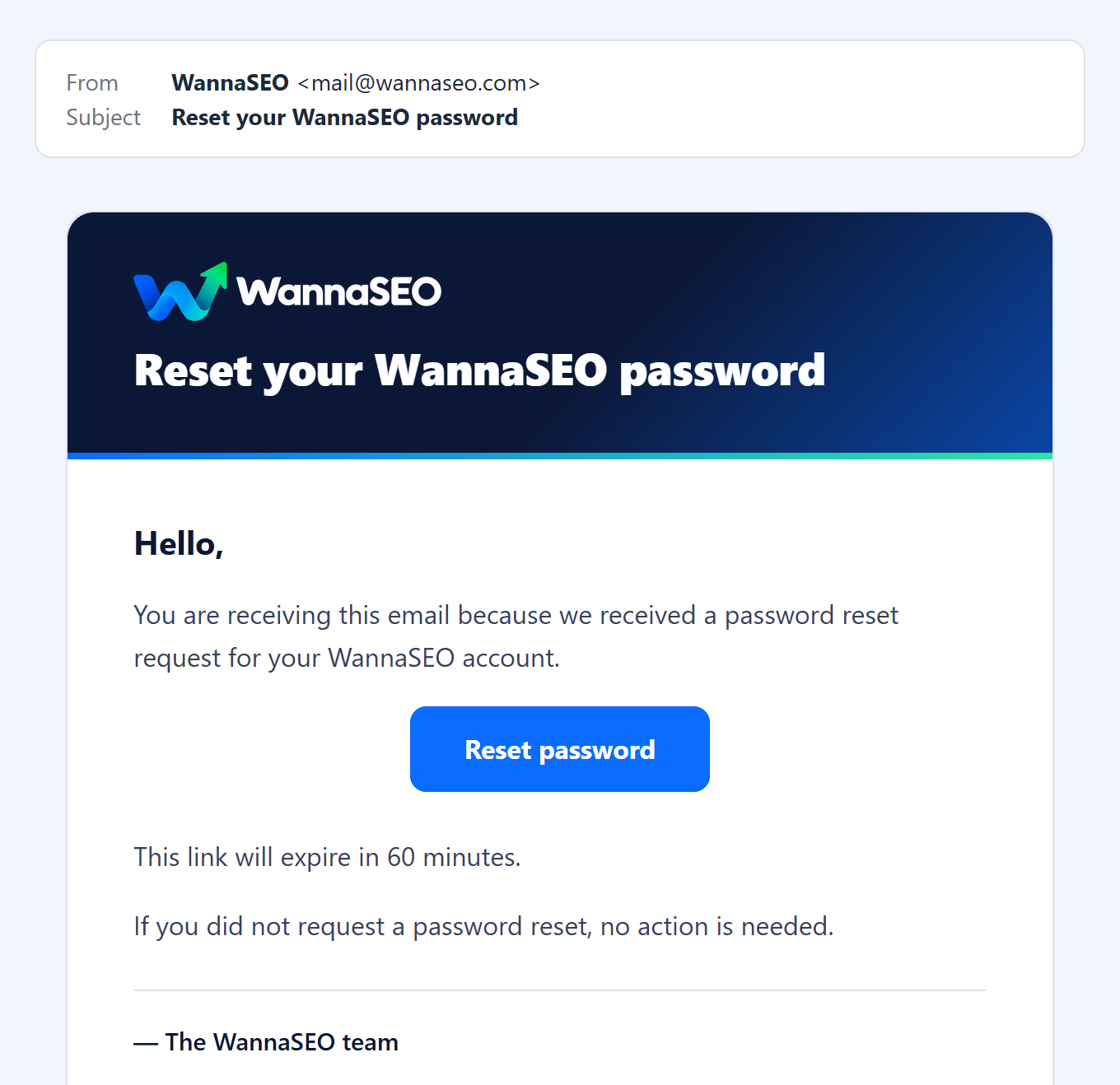
"Reset your WannaSEO password" comes after you use Forgot password? when signing in. The link expires in 60 minutes. If you did not ask for it, ignore it.
Tips and offers: only if you ticked the box
We send tips and offers only if you ticked "Email me occasional tips and offers from WannaSEO" on a free-start form, or in the order form while signed in to an account whose email you have confirmed. Order emails come either way. To stop tips, use the unsubscribe link in the email or write to hello@wannaseo.com.
If an email does not arrive
- Wait a few minutes, check your spam, junk and promotions folders, and search for "WannaSEO".
- Add hello@wannaseo.com to your contacts.
- Ask for it again:
- Free start: press Send the link again on the "check your inbox" message, or send the same form again with the same website and email address.
- Order confirmation with a mistyped address: before you pay, use Wrong address? Fix it here on the confirmation page, in the same browser.
- Payment received: do not pay again. Write to us with the email address you ordered with.
- Account email: in your account, open Profile and press Send verification link.
- Password reset: ask for a new link and use the newest email.
- Still nothing? Write to hello@wannaseo.com or use the chat, with the email address you used.
The checkout can also send its own notice, "Payment Expired - WannaSEO", when a checkout page stayed open too long. It confirms that no charge was made. Open your order (from your account, or the link in the order email) and press Get a new payment link.
What we never ask for by email
We never ask for your password or card details by email or chat. You pay only on our checkout at pay.wannaseo.com. Our links go to wannaseo.com, clients.wannaseo.com (or your own report address) for delivery reports, pay.wannaseo.com and the pages we published for you. If a message claiming to be us asks for more, forward it to hello@wannaseo.com without clicking.
Related articles
- How do I pay, and what if a payment does not go through?
- What happens after I pay, and how long does it take?
- I forgot my password. How do I reset it?
- The free start: how to claim one free sales page and article
- The delivery report: web page, PDF and list of links
Questions? Write to hello@wannaseo.com or use the chat on any page.