You pay once, on a secure checkout, after you have seen the exact total of your order. You can pay straight away, or later from your email or your account.
The total first
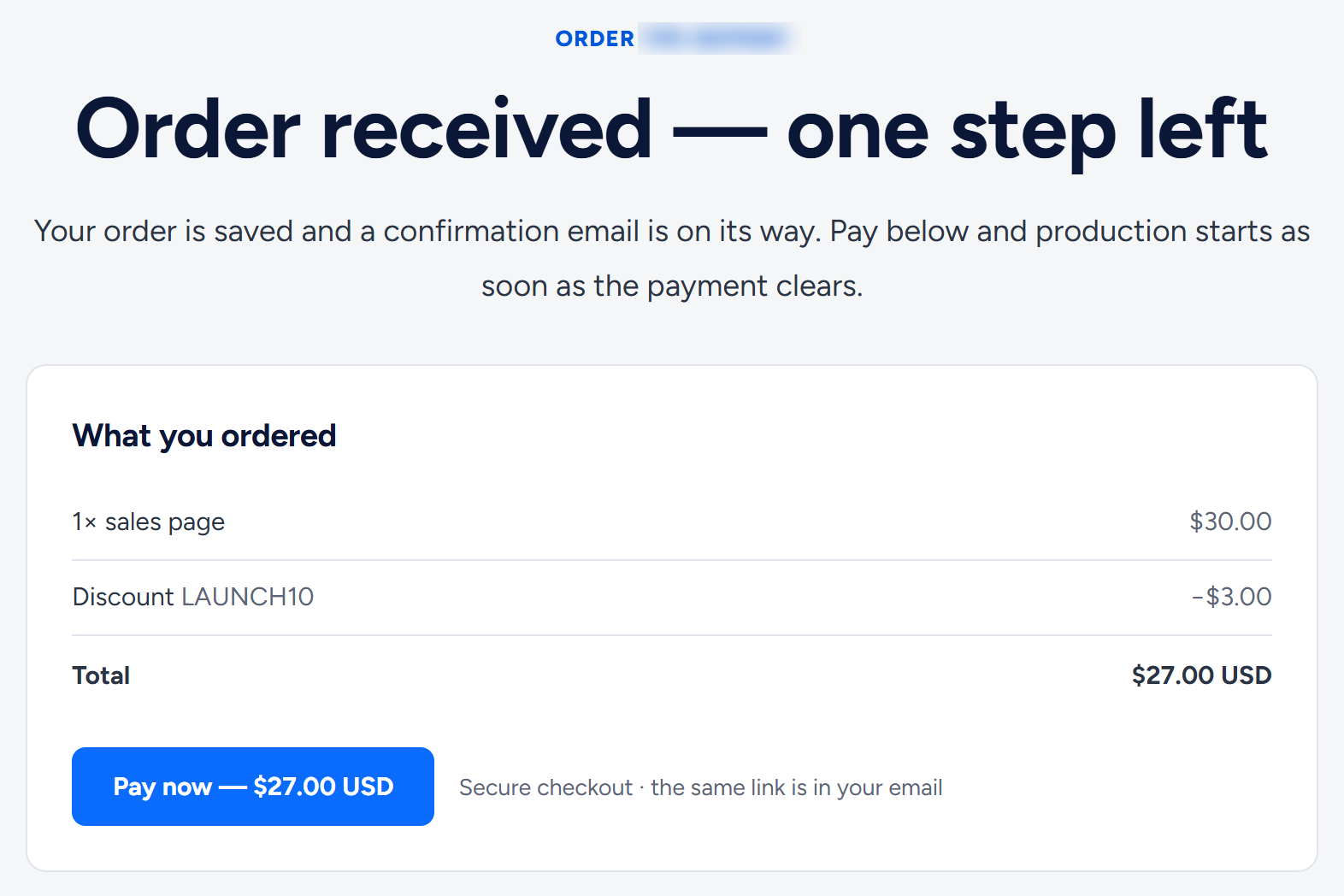
Review & pay saves your order and opens a confirmation page with what you ordered, any discount and the exact total. Saving the order does not charge you anything (Terms of Service, section 3).
Ways to pay
- You pay on a secure checkout run by our payment provider. Your card details are never entered on, passed through or stored by our website.
- You choose the method on the checkout. The same methods are listed in the "Payment methods" row at the bottom of our main pages, such as the home page, Pricing and each service page. On 25 October 2026 they were Visa, Mastercard, PayPal, Bitcoin, Payoneer and Neteller.
- Prices are in US dollars and one-time. Only the dedicated blog covers a period (twelve months).

Pay now or later
Your order stays saved, and the same Pay now button is in three places:
- The confirmation page, straight after Review & pay.
- The "We received your order — YMI-…" email, which also shows any discount and the total.
- Your account, if you have one: Pay now next to the order under My orders, and a "Ready to start" box on the order's page.
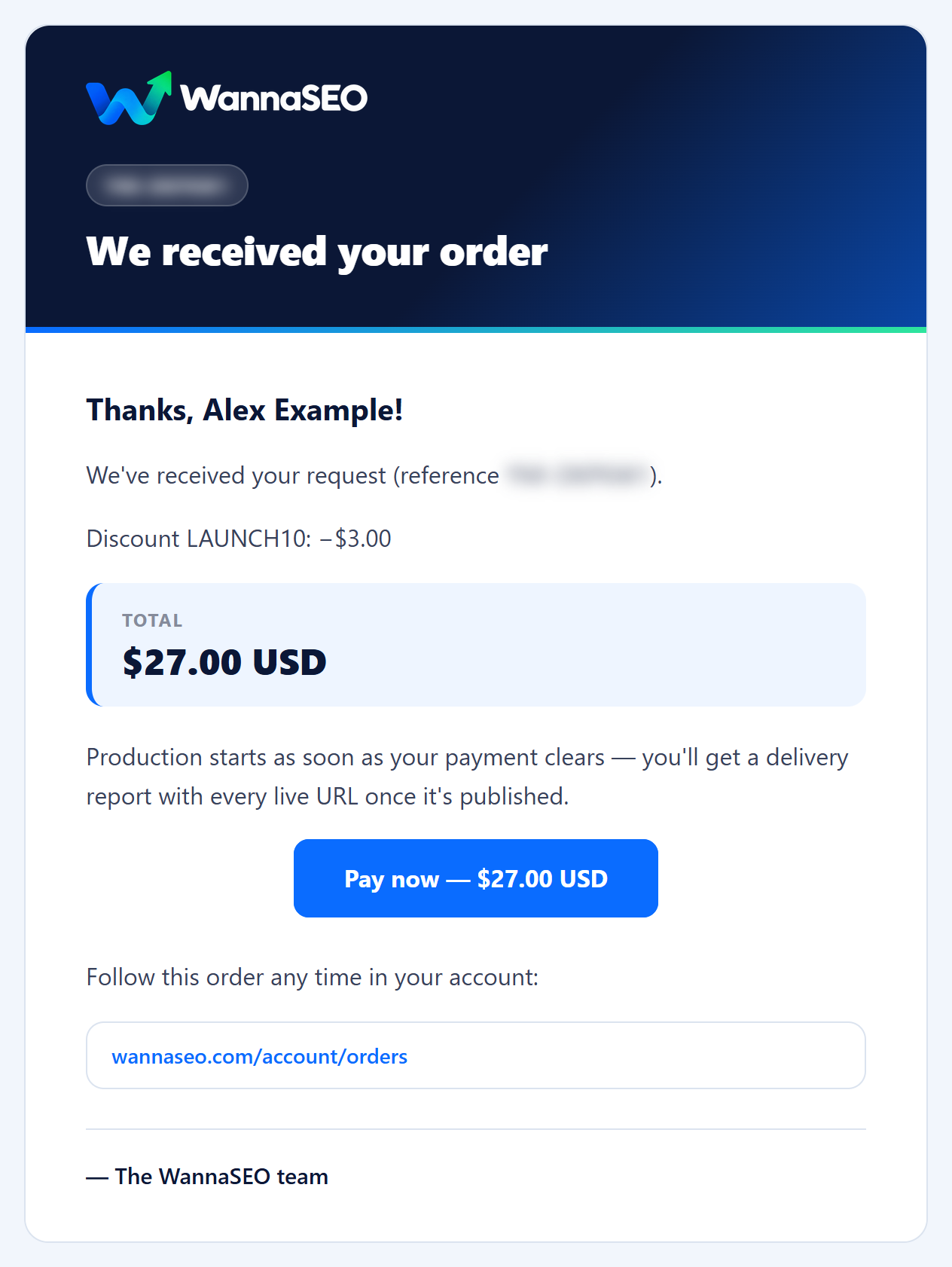
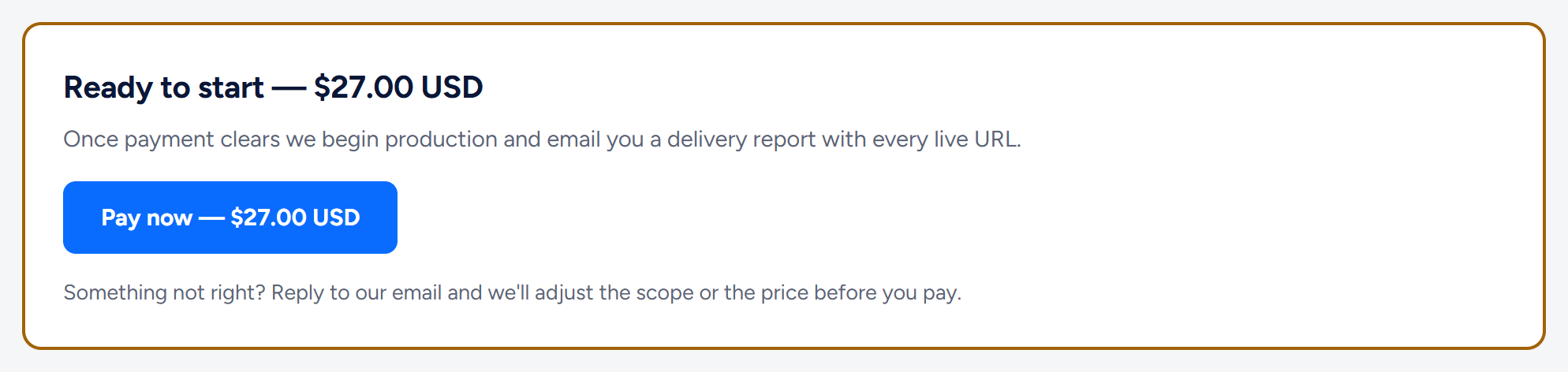
Nothing is produced before you pay: our agreement starts when the payment completes. If an order is still unpaid a day after you placed it (or after you last made a new payment link), we send one reminder, "Your order YMI-… is ready to start". Its button opens your order's page with Pay now and the new-link option. There is no second reminder. If we change the price at your request, you get a "Ready to start: pay … — YMI-…" email with a new Pay now button.
After paying
- Back on our site, a page says "Thanks — confirming your payment" and refreshes by itself.
- When our payment provider confirms the payment, usually within a minute or two, the page changes to "Payment received — we're on it".
- Your receipt arrives by email ("Payment received: … — YMI-…"), and production starts.
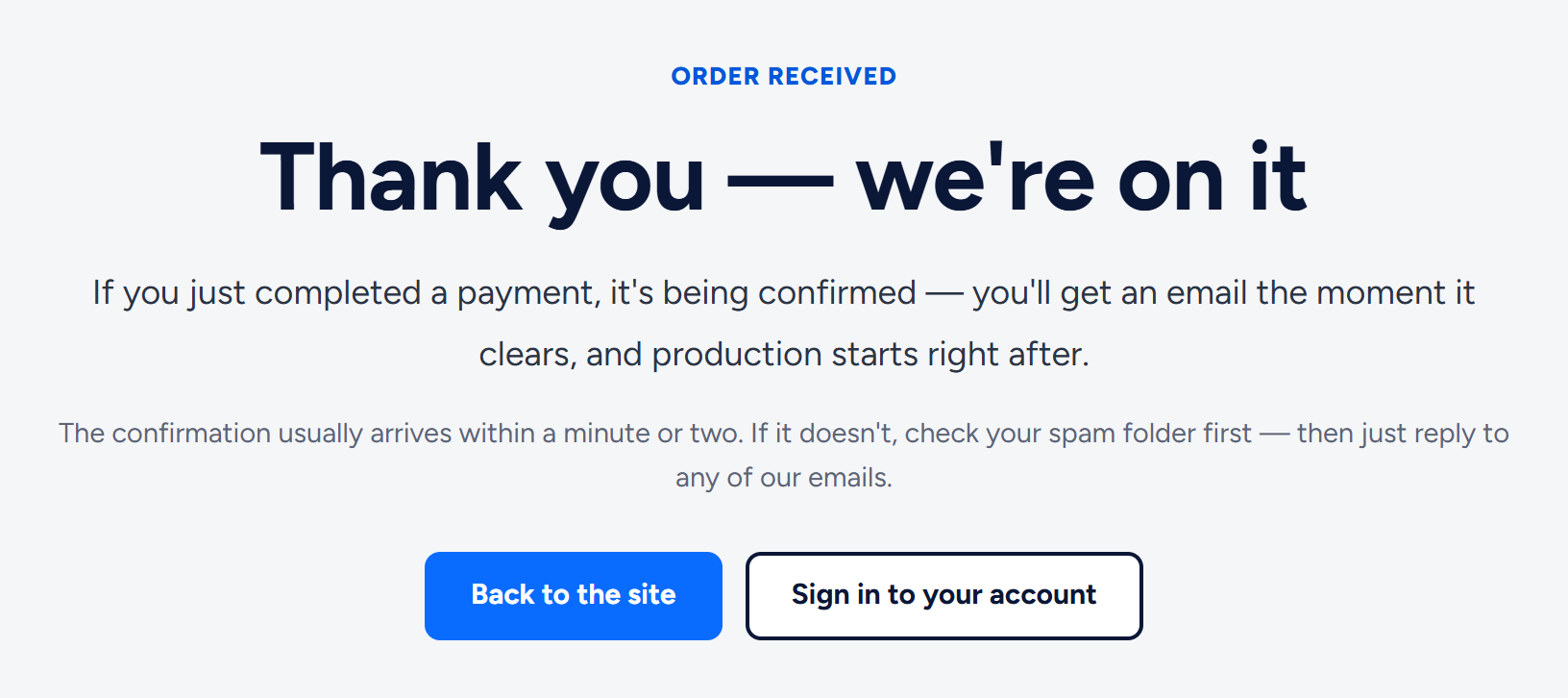
If you see "Thank you — we're on it" instead, your payment is being confirmed in the same way. No email after a few minutes? Check your spam folder, then reply to any of our emails.
If a payment does not go through
- You cancelled or did not finish: the order stays saved and unpaid. Press Pay now again from any of the places above.
- Your bank declined it: some banks block online or foreign-currency payments until you switch them on, and the charge is in US dollars. Check with your bank, or choose another method on the checkout.
- The payment link no longer works or the checkout shows an error: press Trouble paying? Get a new payment link under the Pay now button. It is on the confirmation page, on your account's Overview, under My orders and on the order's page. It makes a fresh link for the same order and takes you straight to it. See "My payment link expired or didn't work".
- There was no "Pay now" button after you ordered: your order is saved, and we email you a payment link, usually within one business day.
- You typed your email wrong: before paying, use Wrong address? Fix it here on the confirmation page, in the same browser. After paying, reply to any of our emails.
Do not place a second order to retry a payment, and if you are not sure a payment went through, do not pay again: write to us from the email address you ordered with, and we check. If both an old and a new payment link of one order are paid, we place the second payment as a second order with the same contents and email you its reference; reply to that email if you meant to pay only once.
Changing or cancelling an order
- Before you pay: reply to your confirmation email to change the scope or ask about the price.
- After you pay: cancel before we start work and we refund the full amount. After work has started, we refund what you paid for any part not yet delivered (Terms of Service, section 5).
- If we cannot take an order on, we tell you and refund anything you paid.
Currency and bank fees
You are charged in US dollars. If your account is in another currency, your bank or payment service converts the amount and may add its own fee.
Nothing renews automatically
We do not store payment methods or set up subscriptions. The dedicated blog renews only if you choose to: we contact you before the renewal date.
Related articles
- What happens after I pay, and how long does it take?
- How do I use the LAUNCH10 code or another discount code?
- Can I cancel an order and get a refund?
- How do I place an order? The order form, step by step
Still have a question? Reply to any of our emails, write to hello@wannaseo.com or use the chat on any page. A person replies within about one business day.